
Depth Maps of Alsager Mere
This depth survey of Alsager Mere was done in summer 2004 when the water level was quite low. The maps can be considered to have a maximum accuracy of 4m horizontally and 0.3m vertically. The absolute edges of the mere are not shown. This is because the size can vary slightly and each garden backing on to the water has a different structure at the end.

From the maps shown below we can see that there is an unusually small deep area. It is possible that this is related to the lake being spring fed, but evidence of this is yet to be discovered. Although most of the depth readings in this area were stable there is a small area of about 1m square that causes the depth finder to jump erratically in the range of 17 to 37 feet. This could mean that there is an even deeper part, such as the opening of a spring, or it could mean that there is a sonar reflective object, which is sitting at an obscure angle. It is very difficult to get an accurate reading, as the boat that the measurements were taken from cannot be kept entirely still. This mystery will be probably be solved when the underwater camera is implemented. Unfortunately the water turbitity (murkeyness) is usually quite high so visibility is often below 50cm.
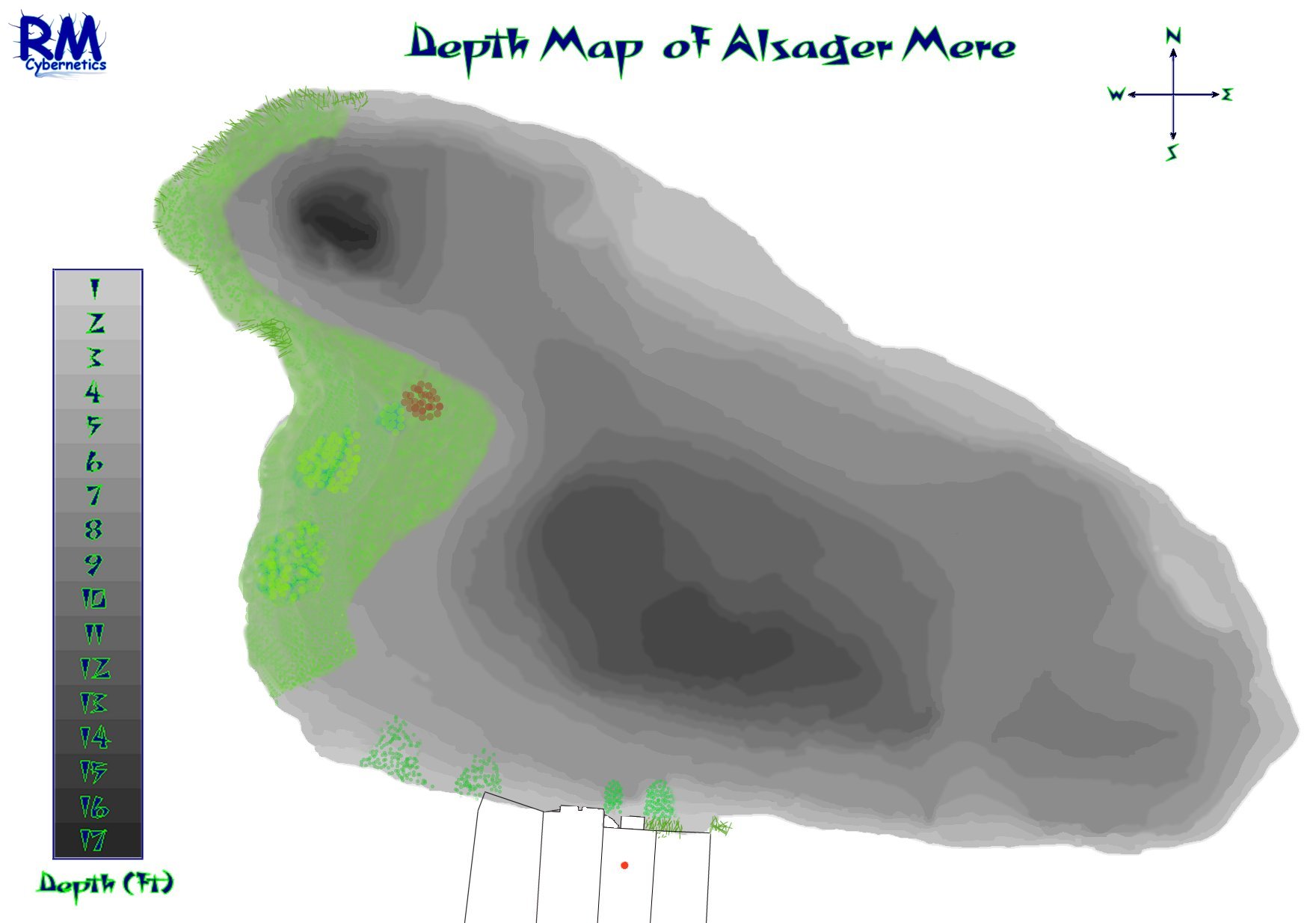
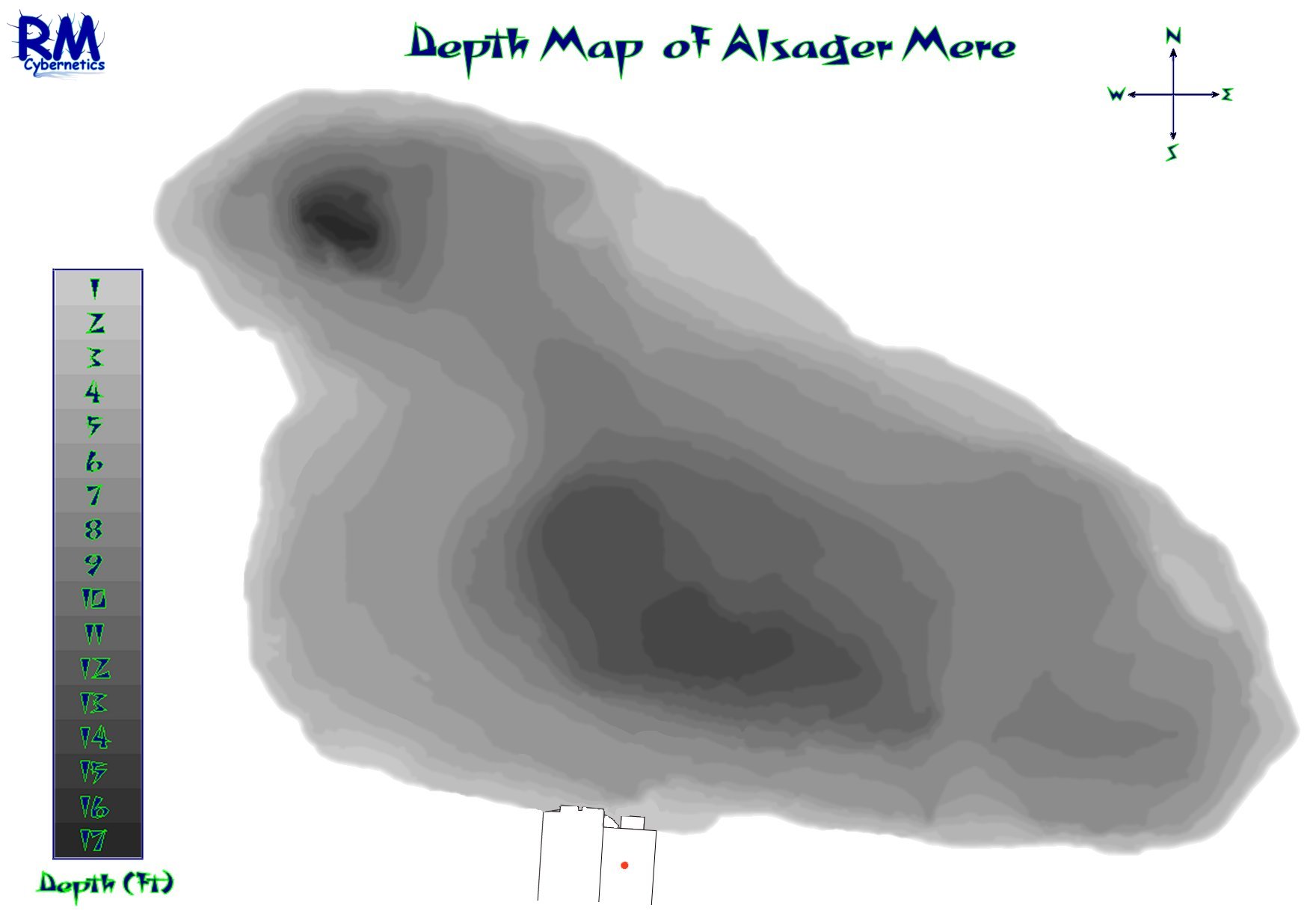
The maps above show the depths of Alsager Mere using a grayscale image. The image on the right shows where the main concentration of lilly pads were situated in summer 2004. The large concentration of smaller lillies has now been eradicated using Glyphosate (Roundup).
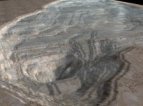
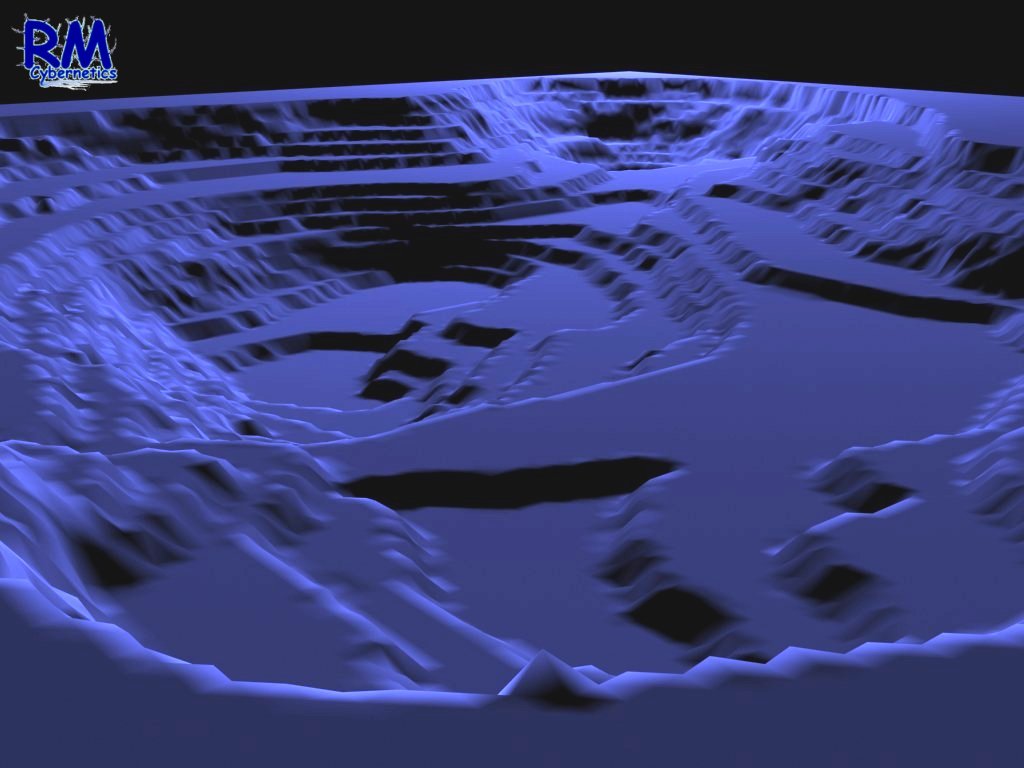
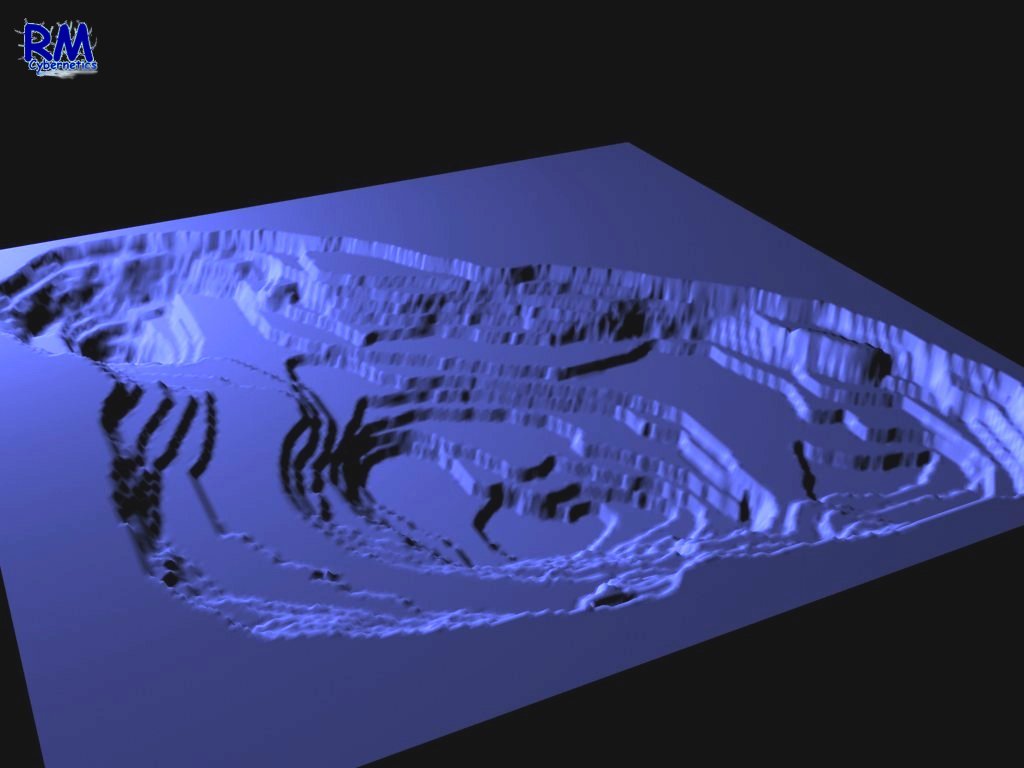
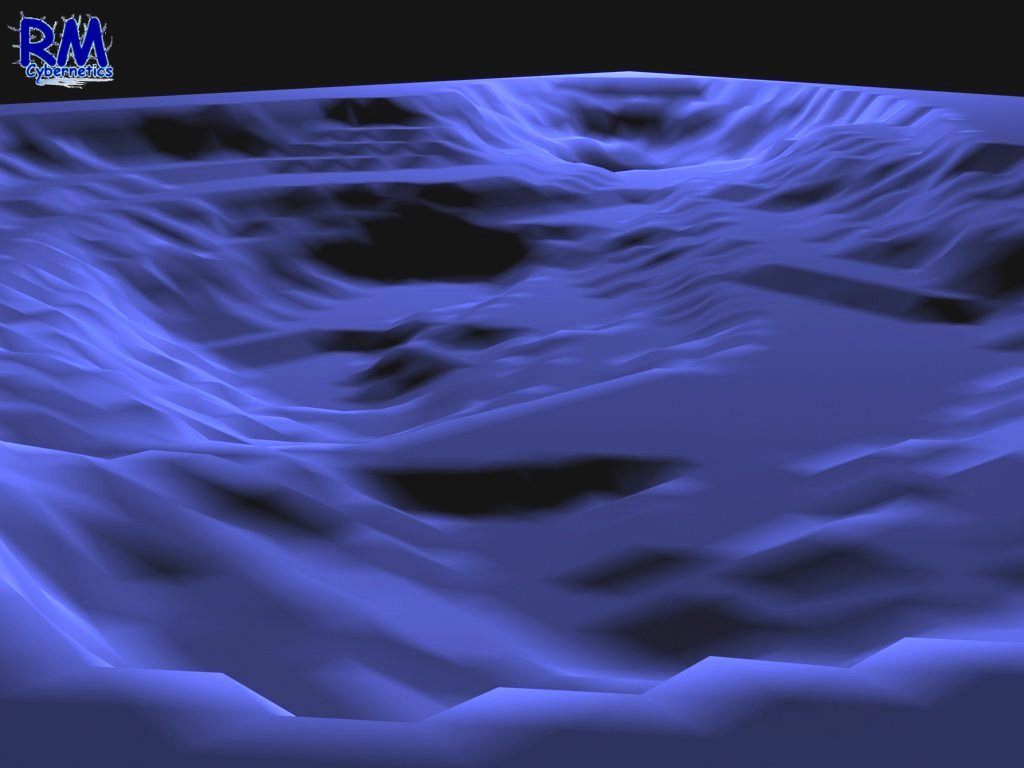
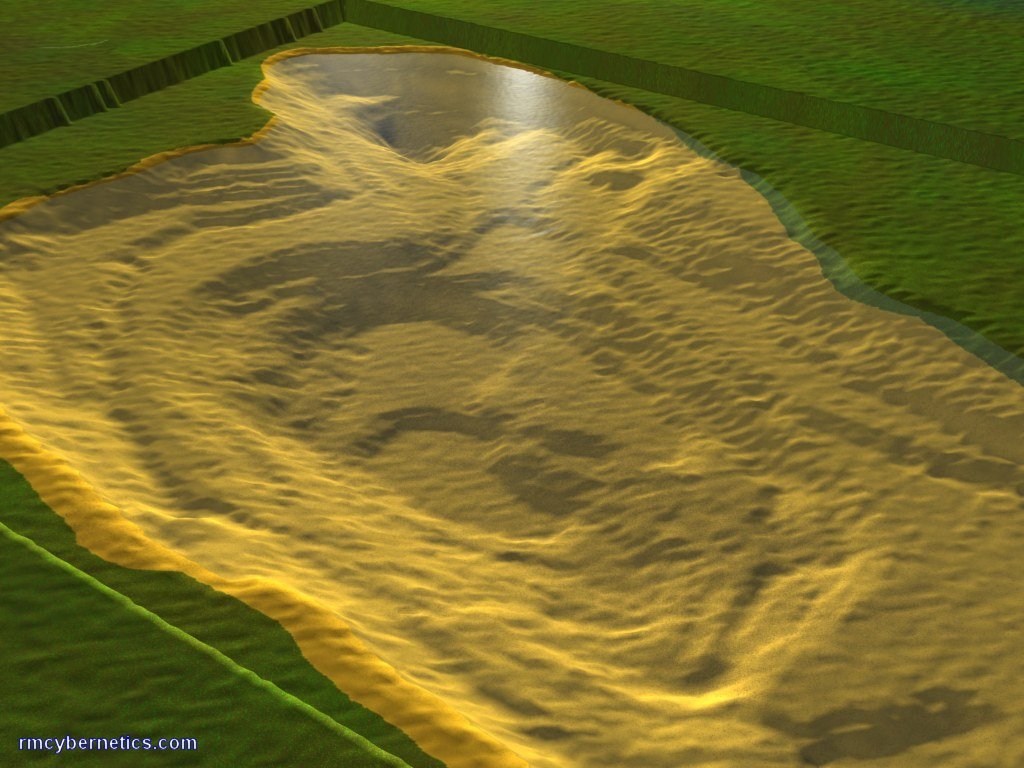
These 3D images above were extrapolated from the 2D map by using the greyscale image as a height map. The purple images have the depth exaggerated so that the features can be seen more easily. Obviously the lake bed is not made up of layers like we can see in the images, but each layer does represent each 30cm (1ft) of depth. To get a more accurate image these layers need to be merged together to leave a smoother finish.
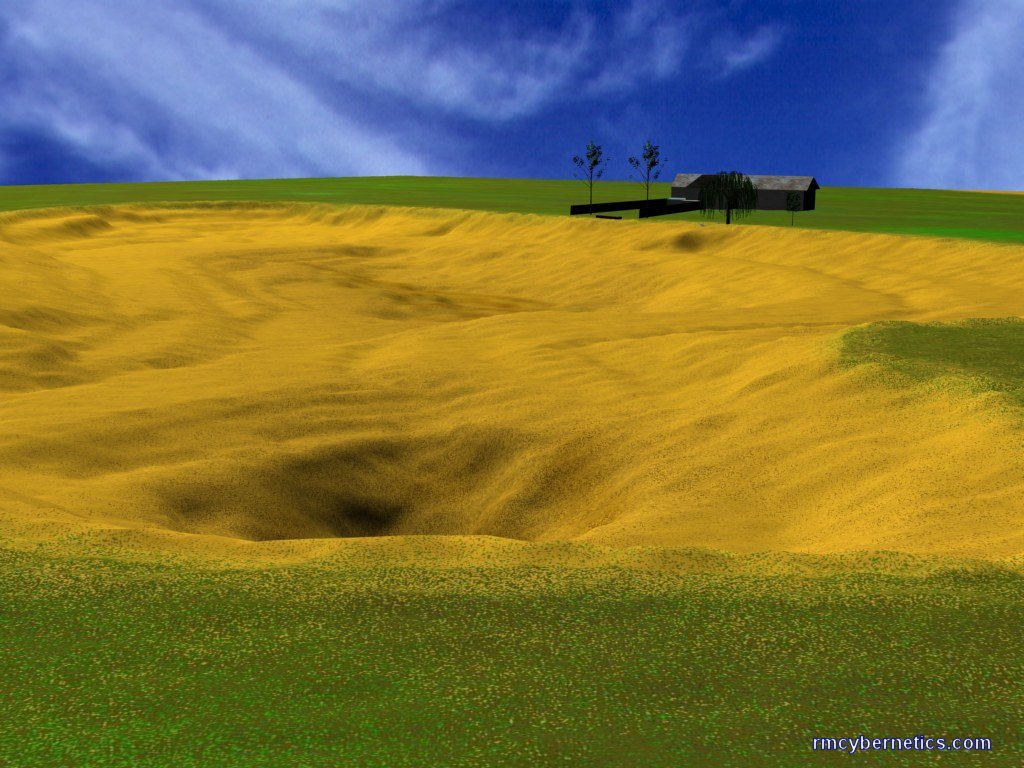
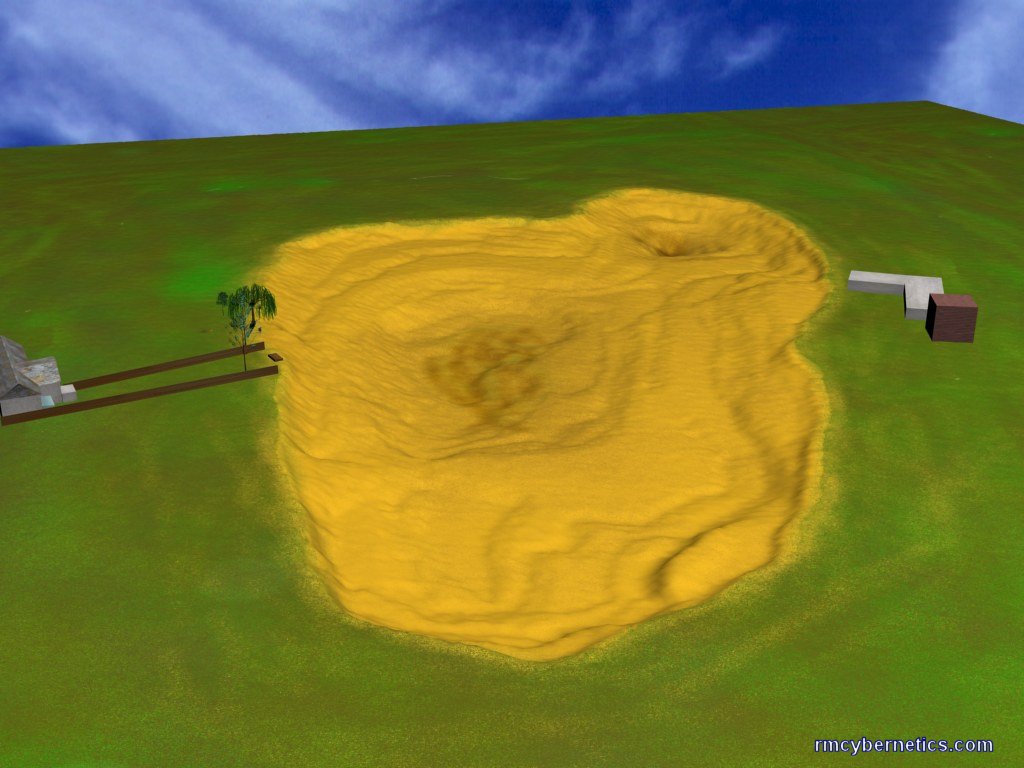
In order to create a more realistic image, a small amount of noise (randomness) can be added to the data before it is smoothed. This method can reduce the appearance of unnatural features such as straight lines created by the depth scanning method. The 3D map can also be textured so that its appearance resembles the material from which the lake bed is made.
The images above are intended to give a more realistic view of the lake bed. A few of the surrounding houses have also been added to give a better frame of reference and scale.
Next Page: Artifacts from the bottom of Alsager Mere
Previous Page: History of Alsager Mere
20 Comments
Leave a Reply
You must be logged in to post a comment.
when i was gauging the depth with a marker float whilst fishing i found the depth to a least 24 foot.. was only a hole though the depth seemed to drop from 13 foot to 16 then 24.. actually caught a decent pike from the very spot.
71
notice on the maps a house is used for ref, could you tell me which number?
trying to establish the location of the 2nd deep area and the ref would be usefull.
Oh right, ok. i’m a pathologist and my house backs onto the Mere, so i’m pretty interested.. if you find anything please do post a comment back 🙂
No corpses found yet, but this was found in a garden backing onto the mere.
have you ever found any corpses in the Mere? Seems a bit of a morbid question but anyway..
The depths were measured using sonar (a fish-finder) and they were written down along with the GPS coordinates obtained from a hand held GPS device.
So it was just a matter of rowing about on a small boat writing down numbers.
i like the work you’ve done with this! what data retrieval equipment did you use, and how did you set it up?
The History of Alsager Mere page has pretty much all the historical info we have found. let us know if you know where to find more.
I think this is a lovely website, but there needs to be more Historic Information for those who are older and more interested in reading. I am 74 and like to sit at home and do a bit of knitting, so when i got a go on my husband, Frederick’s computer…I was rather interested in finding out the history of my town Alsager. This website is splendid!
This site is fascinating and should be better known to the people of Alsager who I am sure would love to look at it!
As a former resident of Alsager and grown up in house backing onto “The Mere”, the depths of the Mere are very familar. As kids fishing in the Mere, the deep hollow at the north end we referred to as “Pike Pool”. It was there that the famous Oscar, a large pike, was reputed to hang out!
As a graduate student of Alsager college (1992-1995) I spent lots of time at the lakeside when it was frozen, as feeding bread to the ducks was a source of great amusement. This site has taken me right back, and the local history is fascinating
Big thumbs up to the website compilers!
The 2D maps were extrapolated from points drawn in a graphics program like Photoshop. Each recorded depth was marked in an image according to its GPS coordinate. Each point was given a shade of grey that represents depth. These grey dots were then expanded and joined together to get the full grey scale depth map.
The 3D maps were produced by using 3D Studio Max. To import the data you create a surface (plane) with a large number of verticies, then add a displacement modifier. The displacement modifier can be set to displace the verticies according to the shade of grey of any bitmap. Use the greyscale image created for the 2D depth map. You may need to adjust the brightness and contrast of your bitmap to get a depth contrast in the 3D map. If you make yourself a depth map, please let us know how it goes.
Great pictures and work.
Can I ask what program you used to make the renderings. I have got the equipment ready to get the reading but wondering what computer modelling program to work with the info.
Thanks
Wow, that’s a little larger than this little lake, but I suppose if you aren’t after the same resolution, you could use similar methods.
You can probably buy a depth scanner that can link to GPS and also record the data for you. I expect it would take a long time to do it all manually.
Hello!
I love this site! The imagery is incredible. I live in Lake Orion Michigan and have been trying to find out how to map our lake. It is roughly one mile by one mile Or 564 acres. Any ideas. The 2D and 3D contour maps were incredible.
Thank you,
Jim
jimhopp@yahoo.com
I LOVE YOU ALL!!!
Amazin .. what a crackin website … i was lookin for sum information on the fishin in the mere but findin the depth maps was even better , but if nayone can help me with the stock of fish in the mere pls get in touch …thank you
yog51@hotmail.com
This is a very educational site and is a very interesting piece of local history. i think schoolchildren of Alsager would be interested in this site as much as i am! Especially the artefacts!!! Thankyou for making such an interesting website i hope you find out more.